
Spot the Scam: How to Stay Safe While Shopping Online This Season

The holidays should be joyful and stress-free. With so many deals and distractions, it pays to pause, shop smart, and protect your information. This guide will help you spot scams, verify retailers, and shop safely online, so you can focus on gifts, not grifts.
Why Scammers Love the Holidays
-
More deals, more distraction. People are rushing and less cautious.
-
Limited-time sales create urgency. “Only 5 left!” or “Sale ends in 10 minutes!” can push hasty decisions.
-
Emotion plays a role. Generosity and excitement make shoppers more trusting.
According to the Federal Trade Commission (FTC), fake websites, phishing emails, and bogus ads surge every holiday season — costing consumers millions.
Recognizing Online Shopping Scams
Scammers love urgency and distraction. Watch out for:
- Fake websites or social media shops that disappear after payment.
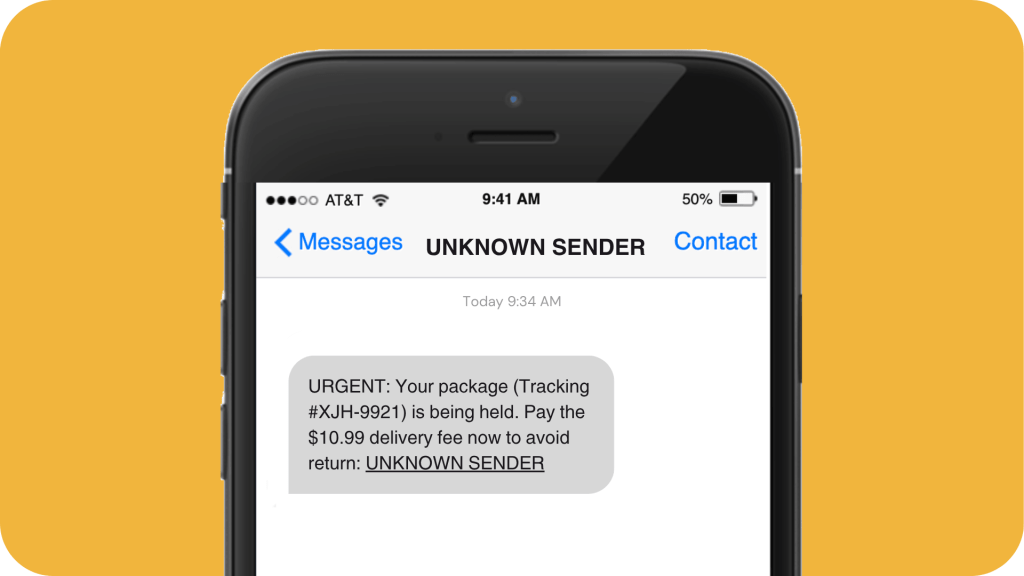
- Phishing emails or texts pretending to be delivery updates.
- “Too good to be true” prices that lure you in for card details.
- Requests to pay with gift cards, wire transfers, or crypto.
- Stolen logos and product images used to look legitimate.
How to Verify a Retailer
Before buying, do a quick check:
-
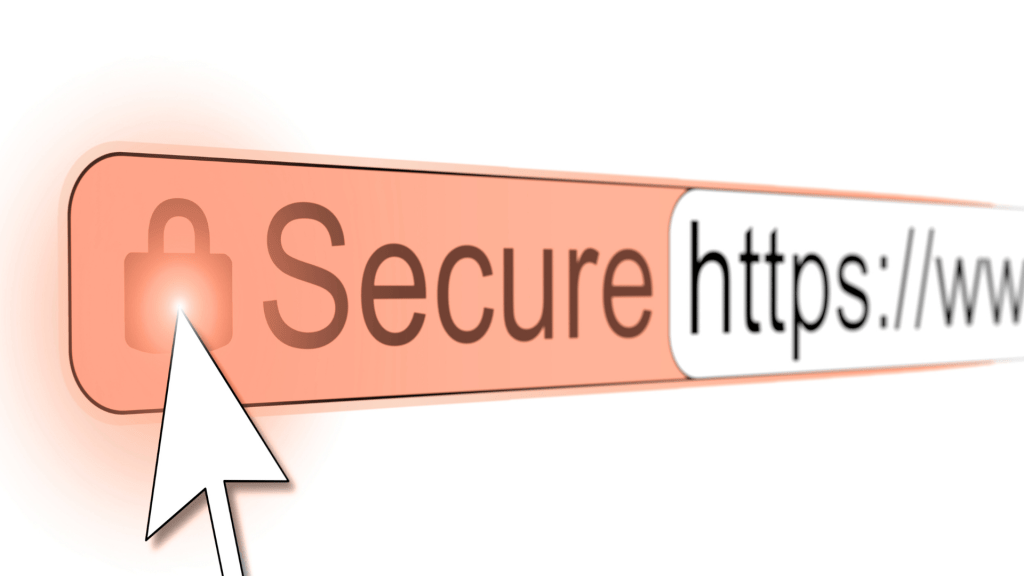
Look for HTTPS and a padlock icon (but know this alone doesn’t prove it’s safe).
-
Check for clear contact info and a return policy.
-
Google the store name + “scam” or “review.”
-
Use WHOIS lookup tools to see when the domain was created — new sites can be red flags.
-
Test customer service with a simple question before buying.
Best Practices for Secure Shopping
- Use trusted payment methods.
Choose credit cards or digital wallets (like Apple Pay or PayPal) that offer purchase protection. Avoid sending payment info by email or text. - Shop on trusted networks.
Public Wi-Fi can expose your data. Use your phone’s hotspot or a VPN instead, and log out after your purchase. - Research before buying.
Check recent reviews for product quality, delivery times, and customer service reliability. - Monitor your accounts.
Turn on alerts for your Zing cards and accounts to catch suspicious activity early.
Source: FBI – Common Holiday Scams
Protecting Your Personal Information
-
Use strong passwords — at least 12 characters with letters, numbers, and symbols.
-
Never reuse passwords across sites.
-
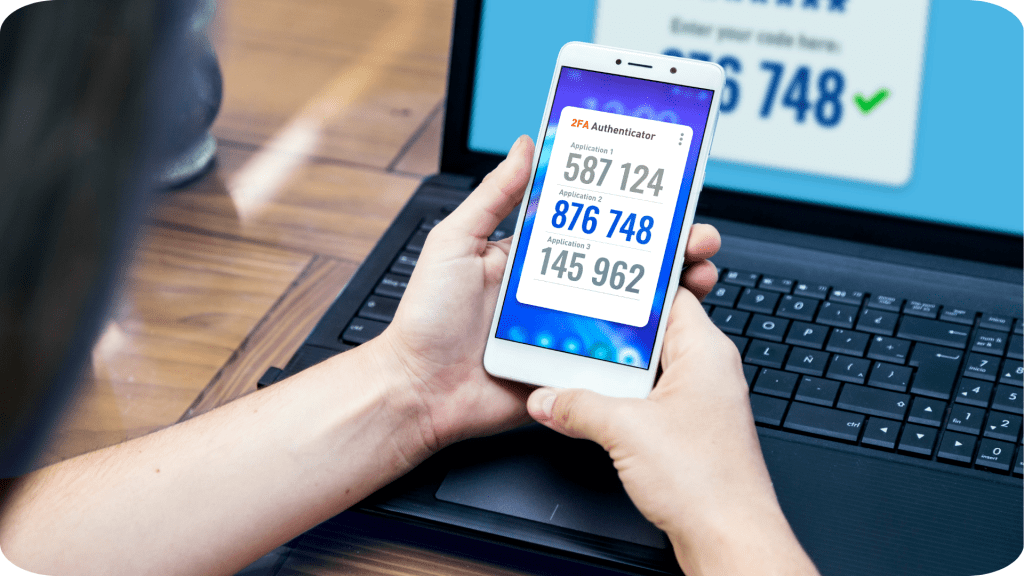
Enable multi-factor authentication (MFA) for extra protection.
-
Limit tracking and sharing. Adjust browser and account privacy settings.
-
Review promotional messages — unsubscribe from unknown senders or “deal alerts” that seem off.
Staying alert to new FBI holiday scam warnings helps you protect yourself and your loved ones.
Your Seasonal Safety Checklist
- Verify the retailer (domain, reviews, contact info).
- Use secure payment methods with fraud protection.
- Confirm HTTPS and read return/shipping policies.
- Avoid public Wi-Fi for purchases.
- Enable MFA and strong passwords.
- Set up card or account alerts.
- Stay informed on the latest scam alerts.
If you ever spot suspicious activity or unfamiliar charges, contact us right away. We’re here to help you stay secure and stress-free.
You can also report scams to:
Get the App


TRUTH IN SAVINGS DISCLOSURE
Except as specifically described, the following disclosures apply to all the accounts.
- Rate Information. The dividend rate, or interest rate, and annual percentage yield on your accounts are set forth on the reverse side. The annual percentage yield is a percentage rate that reflects the total amount of dividends/interest to be paid on an account based on the dividend/interest rate and frequency of compounding for an annual period. For Certificates of Deposit and IRA Certificates of Deposit, the interest rate and annual percentage yield are fixed and will be in effect for the term of the account. The annual percentage yield is based on an assumption that interest will remain on deposit until maturity. A withdrawal will reduce earnings.
- Nature of Dividends. Dividends are paid from current income and available earnings after providing for the required reserves. The dividend rates and annual percentage yields are the prospective rates and yields that the Credit Union anticipates paying for the applicable dividend period.
- Compounding and Crediting. Interest and dividends will be compounded and credited as set forth on the reverse side. The dividend/interest period for each account is also set forth on our Rate and Fee Schedule. The dividend/interest period begins on the first calendar day of the period and ends on the last calendar day of the period.
- Balance Information. The minimum balance required to open each account is set forth. Interest is calculated by the daily balance method which applies a daily periodic rate to the principal in the account each day.
- Accrual of Dividends. Dividends will begin to accrue on cash deposits on the business day you make the deposit to your account. Dividends will begin to accrue on noncash deposits (checks) on the business day you make the deposit to your account. If you close your account before accrued dividends are credited, accrued dividends will not be paid.
- Account Limitations. The account limitations for each account are set forth in our Membership and Account Agreement
- Your account will mature on the maturity date set forth on your account receipt or renewal notice.
- Early Withdrawal Penalties. A penalty may be imposed if you withdraw any of the certificate funds before the maturity date or the renewal date, if this is a renewal account.
- Amount of Penalty. For Certificates of Deposit and IRA Certificates of Deposit the amount of the early withdrawal penalty for your account is 90 days’ interest for a term of 12 months or less, and 180 days’ interest for a term over 12 months.
- How the Penalty Works. The penalty is calculated as a forfeiture of part or all of the interest that have been earned on the account. This penalty applies to earned interest and principal.
- Renewal Policy. Certificate of Deposit accounts will automatically renew for another term upon maturity. You have a grace period of seven days in which to change or withdraw the funds without being charged an early withdrawal penalty.
- Exception to Early Withdrawal Penalties. At our option, we may redeem the account before maturity without imposing an early withdrawal penalty under the following circumstances:
- When an account owner dies
- or is determined legally incompetent by a court
- or other body of competent jurisdiction.
- Nontransferable / Nonnegotiable. Your account is nontransferable and nonnegotiable. The funds in your account may not be pledged to secure any obligation of an owner except obligations with the Credit Union.
- FEES FOR OVERDRAWN ACCOUNTS. Fees may be imposed on each check, draft item, ATM card withdrawal, debit card withdrawal, debit card point of purchase, preauthorized automatic debit, telephone initiated withdrawal or any other electronic withdrawal or transfer transaction that is drawn on an insufficient available account balance. The entire balance in your account may not be available for withdrawal, transfer or payment of a check, draft or item. You may consult the Funds Availability Policy for information regarding the availability of funds in your account. Fees for overdrawing your account may be imposed for each overdraft, item or transaction. If we have approved an overdraft protection limit for your account, such fees may reduce your approval limit. Please refer to the Rate and Fee Schedule for current fee information.
Leaving Our Website
You are leaving Zing Credit Union’s website. Zing does not control this site and is not responsible for the content, products, or services available on the linked site. The credit union does not represent the third party or the member, if the two enter a transaction. The privacy and security policies of this linked site may differ from our own.
Press “Continue” to proceed, or press “Stay on This Page” to remain here.